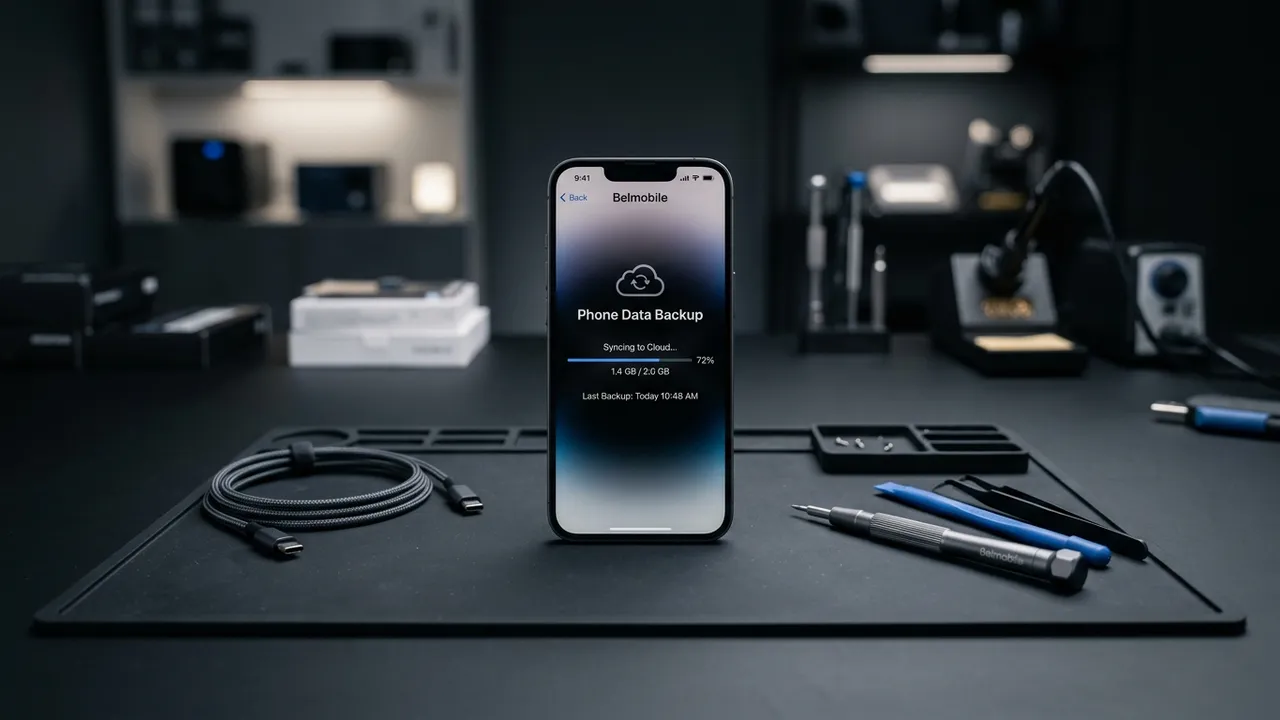
Back Up Your Phone Before a Repair in Brussels: iPhone and Android
A backup takes a few minutes and protects everything on your phone. Before you bring a device to Belmobile in Brussels, save your data. This guide shows the exact steps for iPhone and Android, including the free tiers.
Do you even need one?
For most repairs, your data stays put. Screen and battery repairs keep your data on the device. A backup still protects you against the rare worst case, and it is essential for water-damage and board-level repairs, where the phone may not switch on afterward to confirm everything survived.
At Belmobile your data stays on your device and is not accessed during the work. A backup is your own safety copy, kept on your account or your computer.
Back up an iPhone
Use iCloud for the fastest route over Wi-Fi.
iCloud backup
Open Settings > [your name] > iCloud > iCloud Backup > Back Up Now. The phone copies your photos, messages and settings to iCloud while it stays on Wi-Fi and power.
The free iCloud tier gives you 5 GB. If that is too small for your phone, iCloud+ with 50 GB costs €0,99 per month, which is enough for most users and can be turned off later.
Backup to a computer
You can also make an encrypted backup to a computer. This option is free and holds far more than the 5 GB cloud tier, so it suits a full phone with years of photos. The encryption keeps passwords and health data in the backup.
Back up an Android
Google and Samsung each offer a built-in tool, and you can use both.
Google One backup
Open Settings > Google > Backup to save your apps, settings and call history. Use Google Photos to back up your pictures and videos to your Google account so they survive any repair.
Samsung Galaxy options
On a Galaxy phone, Samsung Smart Switch and Samsung Cloud back up your data. Smart Switch also moves everything to a new device if you ever replace the phone.
Check the backup finished
A backup that did not finish is no backup at all. On iPhone, the iCloud Backup screen shows the date and time of the last successful backup, so check that it reads today. On Android, the Google Backup screen shows the same detail under your account. Wait for the screen to confirm the copy is complete before you leave home.
After the backup
Once the backup finishes, you are ready. Bring the phone in knowing your photos, contacts and messages are saved somewhere else. Every repair at Belmobile carries a 12-month warranty and uses original or OEM-grade parts. Our technicians are trained and certified by Belmobile Academy.
Walk in to Schaerbeek
Bring your phone to Belmobile Liedts, Rue Gallait 4, 1030 Schaerbeek, open Tuesday to Saturday, 10:30 to 19:00. Call 02 275 98 67 with any question before you come in.
Get your free quote online in two minutes, then bring your phone to Rue Gallait 4 in Schaerbeek.
Your data stays on your device during a repair. For our no-access policy, read How we protect your data during repairs.
Ready to restore your device?
Belmobile is the number one choice for expert electronics repair in Brussels. Fast, reliable, and data-secure.