Skip to content
Back
Lithium-Ion Degradation: When to Replace Your iPhone Battery
Expert Maintenance

Lithium-Ion Degradation: When to Replace Your iPhone Battery

ByLabo BelmobilePosted on 2025-12-262 min read

Batteries are chemicals, not just metal. While the '80% Capacity' mark in iOS is a benchmark, actual performance depends on impedance and voltage stability.

Key Indicators of Battery Failure:

  • Throttling: Does your phone stutter? This is iOS limiting the CPU to prevent unexpected shutdowns.
  • Cyclic Wear: Once a battery exceeds 800 cycles, its internal resistance spikes.
  • Swelling: If your screen is lifting, stop usage immediately. This is gas buildup and a fire risk.

The Belmobile Solution: Beyond the Standard Swap

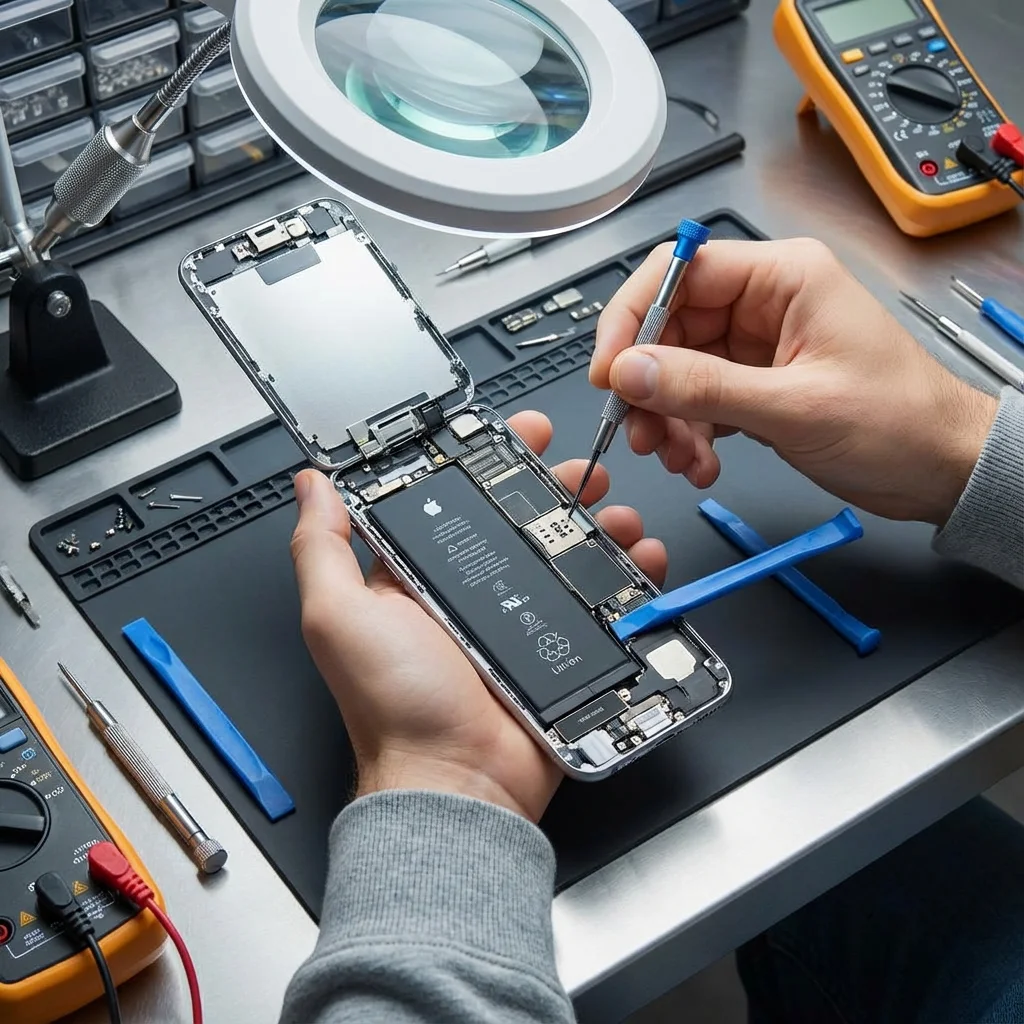
Many shops use 'high-capacity' generic batteries that trigger iOS warnings. Belmobile utilizes Grade-A+ Cells and, for Pro-tier customers, we offer BMS (Battery Management System) Migration. This means we move the original original control chip to the new cell, maintaining your 'Battery Health %' display and avoiding 'Service' messages.

Expert Maintenance Tips:

  • The 20-80 Rule: Keep your charge between 20% and 80% to double the lifespan.
  • Avoid Heat: Never charge under a pillow or in direct sunlight.
  • OEM Chargers: Cheap 5-euro cables cause 'ripple' that damages the logic board's charging IC (Tristar).

Action Plan: Calibrating your Meter

If your battery 'jumps' from 20% to 5% instantly, your fuel gauge IC is out of sync.

  1. Drain to 0%Until it shuts off.
  2. Charge to 100% uninterrupted.
  3. Keep on charger for 2 extra hours.

Trust the Professionals: A battery replacement at Belmobile takes only 30 minutes and includes a full performance calibration to ensure your device stays fast.

Ready to restore your device?

Belmobile is the number one choice for expert electronics repair in Brussels. Fast, reliable, and data-secure.

Get a Free Quote